

Turn Document Photos into Scanned PDFs — Free & Secure
Turn photos of documents into clean scanned PDFs. Auto-detect corners, adjust perspective per page, enhance contrast — free, secure, browser-only, no upload.
Click, drag and drop, or paste
Drop photos of your documents (JPG, PNG, WebP) — or paste a screenshot. Everything is processed in your browser; photos are never uploaded.
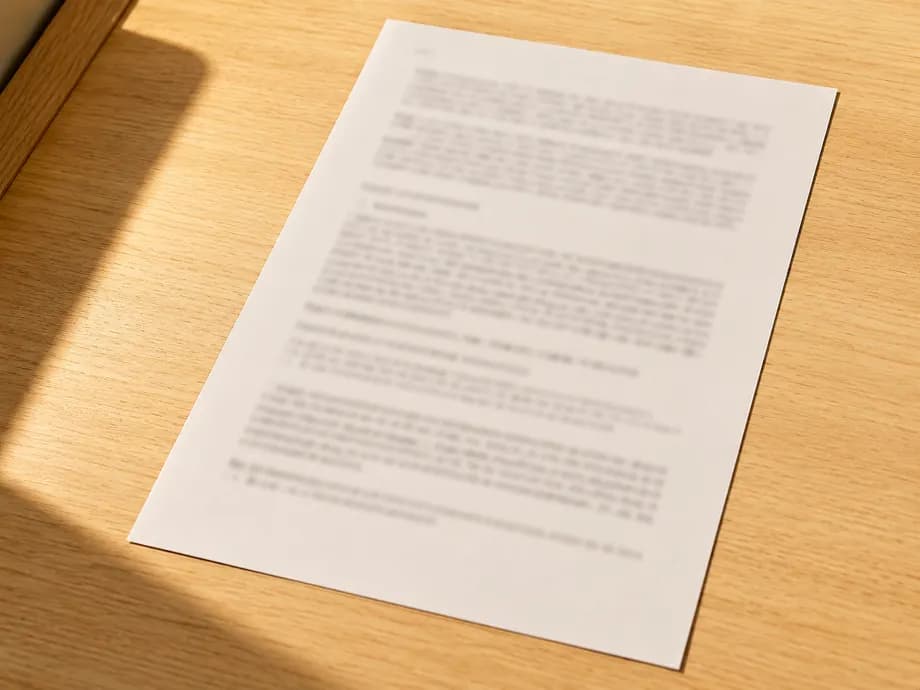
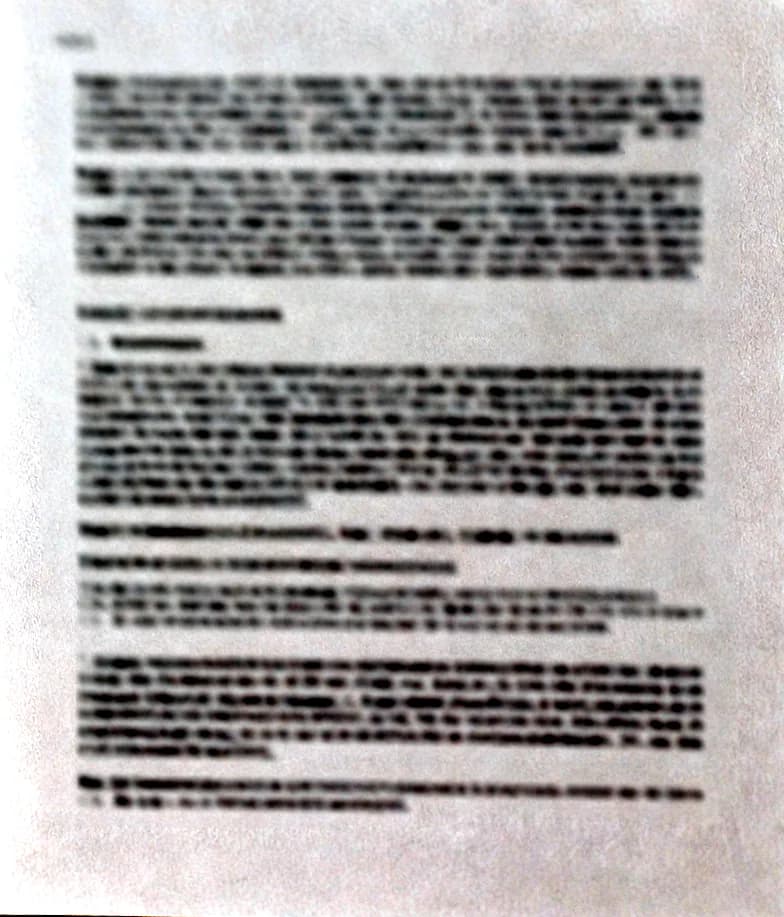
From a desk photo to a flat scan
Corrected with the tool on this page.
Related Tools
The Safest Way to Merge PDF Files Online
Privacy-First Utility
Merge PDF Without Losing Quality or Resolution
Privacy-First Utility
Split PDF Into Multiple Files Instantly
Privacy-First Utility
Convert PDF Pages to JPG Images Safely
Privacy-First Utility
Convert JPG & JPEG Images to PDF Instantly
Privacy-First Utility
Combine Multiple JPG Images into One PDF
Privacy-First Utility
Lossless High-Quality JPG to PDF
Privacy-First Utility
100% Free & Secure PDF Merger Tool
Privacy-First Utility
Split and Merge PDF Online — Free PDF Splitter & Merger
Privacy-First Utility
The Private Alternative to Adobe PDF Merger
Privacy-First Utility
Convert Images and Documents to PDF
Privacy-First Utility
Compress PDF Files Securely
Privacy-First Utility
Sign PDF Documents Online
Privacy-First Utility
JPG2PDF — Convert JPG Images to PDF Free
Privacy-First Utility
PDF2JPG — Convert PDF Pages to JPG Images Free
Privacy-First Utility
Rotate PDF Pages & Save — Free, Secure, No Upload
Privacy-First Utility
PDF Page Assembler — Combine Specific Pages from Multiple PDFs
Privacy-First Utility
Combine Files into One PDF — JPG, PNG, TXT, PDF
Privacy-First Utility
Extract Text from PDF — Free, No Upload
Privacy-First Utility
PDF to Word — Editable Text, No Upload
Privacy-First Utility
PDF to PowerPoint — One Slide per Page
Privacy-First Utility
Markdown to PDF — Rendered in Your Browser
Privacy-First Utility
EPUB to PDF — Your E-book as a PDF
Privacy-First Utility
Turn Document Photos into Scanned PDFs — Free & Secure
Took photos of a contract, receipt, or worksheet at an angle? PDFGami's document scanner fixes the perspective so each photo looks like it came out of a flatbed scanner. Upload multiple photos, and the tool walks you through them one at a time: it auto-suggests the four document corners, you drag the handles to fine-tune, and Apply straightens the page. When every page is done, download the whole batch as a single PDF or as JPG images. All processing — corner detection, perspective warp, contrast enhancement — runs in your browser. Your documents are never uploaded, which makes this safe for IDs, contracts, and medical paperwork.
Perspective Correction
A 4-corner homography warp turns angled photos into flat, rectangular pages — the same math dedicated scanner apps use.
You Stay in Control
Corners are auto-suggested, but nothing is applied until you confirm. Review and adjust every page one at a time.
100% Private
Photos of IDs, contracts, and receipts never leave your device. Detection and warping run in browser memory only.
Scan-Style Output
Optional contrast enhancement or black-and-white scan look. Export all pages as one PDF or as JPGs.
!How It Works, Step by Step
Drop photos of your documents (JPG, PNG, WebP) — multiple pages at once is fine.
For each photo, the tool auto-detects the document corners and shows draggable handles.
Fine-tune the four corners so the outline hugs the page edges, pick an output style, and click Apply & Next.
Repeat for each photo — Skip any you don't want.
Download the corrected pages as a single scanned-style PDF, or as JPG images.
In Your Browser vs. on a Server
| Feature | Local (Us) | Cloud Tool |
|---|---|---|
| Privacy | No upload (browser-only) | Photos uploaded to vendor cloud |
| Control | You confirm every page | Fully automatic, wrong crops happen |
| Cost | Free, no watermark | Scanner apps often subscription |
| Install | None — runs in browser | Mobile app install required |