

Remove Background from Image — Free, No Upload
Remove the background from any image online for free and download a transparent PNG. Manual precision tools, unlimited use, no watermark — and your image never leaves your browser.
Magic wand · Erase & restore brushes · Box select · Undo · Transparent PNG export
Click, drag and drop, or paste
Drop a PNG, JPG, WebP, or SVG image — or paste a screenshot. Editing happens in your browser; the image is never uploaded.
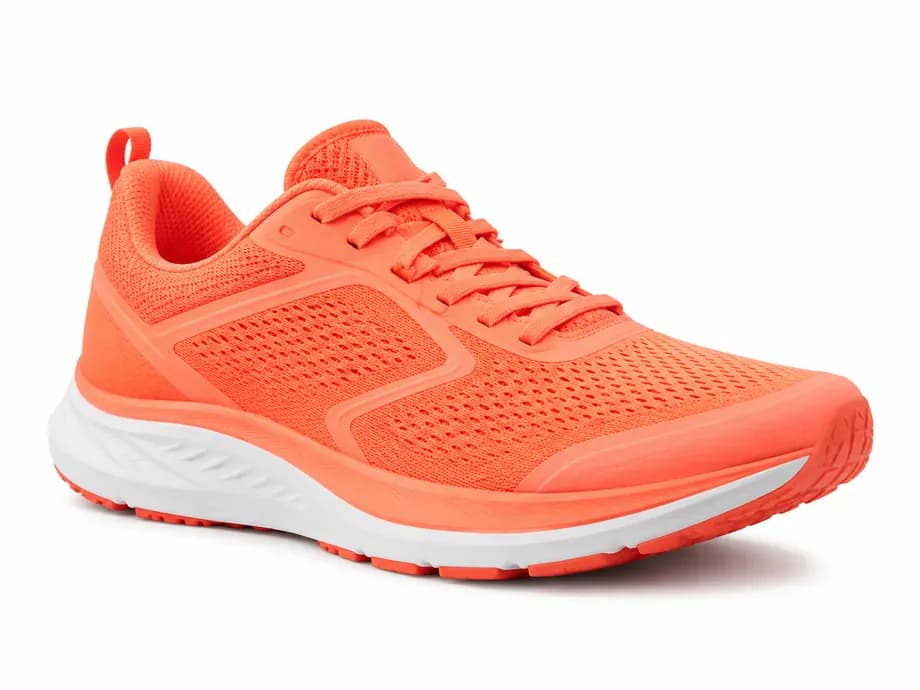
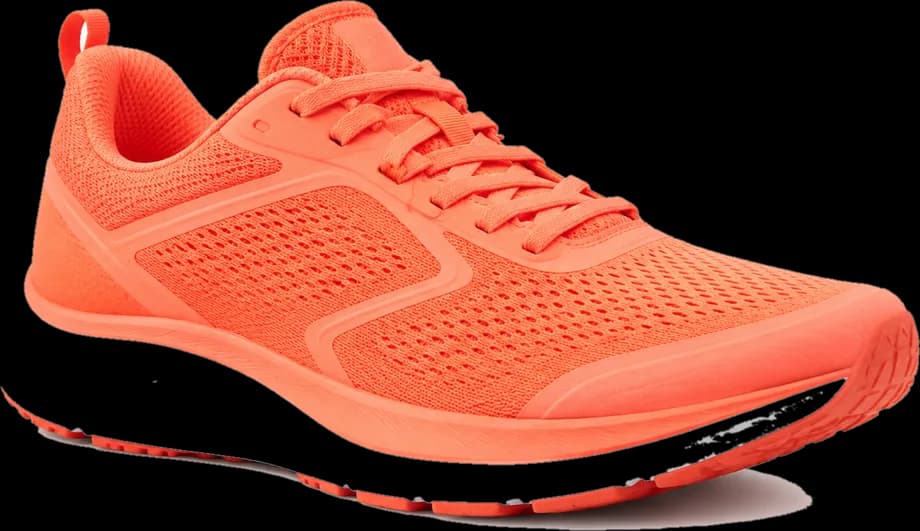
A worked example
Produced with the editor on this page — not mocked up.
More background removal guides
Remove Background from Image — Free, No Upload
Most background removers upload your photo to a server, run an AI model on it, and then meter you at a few free images before asking for a subscription. PDFGami takes the opposite approach: the removal happens in your own browser with tools you control directly — a magic wand for flat colour areas, brushes for fine edges, and a box selector for everything else. There is no upload, no account, no credit counter, and no watermark, and the export is a genuine alpha-channel PNG rather than a white rectangle pretending to be transparent.
Unlimited and Free
No credit system, no per-image charge, no signup. Remove backgrounds from as many images as you want, at full resolution.
Nothing Is Uploaded
Pixels are processed by the Canvas API on your machine. Safe for client work, unreleased products, and anything under NDA.
You Control the Cut
AI removers guess and get edges wrong. Here you click exactly what should disappear and brush back anything the wand took too eagerly.
Real Transparent PNG
Full alpha channel preserved, with optional edge feathering and automatic trimming of transparent margins.
!How It Works, Step by Step
Drop a PNG, JPG, or WebP image into the editor.
Click the background with the magic wand — raise the tolerance if patches of it survive.
Use the erase brush for stray edges and the restore brush to paint back anything removed by mistake.
Download the result as a transparent PNG.
In Your Browser vs. on a Server
| Feature | Local (Us) | Cloud Tool |
|---|---|---|
| Free usage | Unlimited images | Typically a few free credits |
| Upload required | No — runs in your browser | Yes, image sent to their servers |
| Edge accuracy | You decide, pixel by pixel | AI guess, often wrong on hair and thin lines |
| Output resolution | Full resolution | Free tier often downscaled |